Selected work / Education × Design × Technology
Ideas made teachable.Learning made tangible.
A course to follow. An application to explore. An idea to build with your hands. These projects show how I connect clear explanations, thoughtful design and practical learning.
01 / Course design & learning website
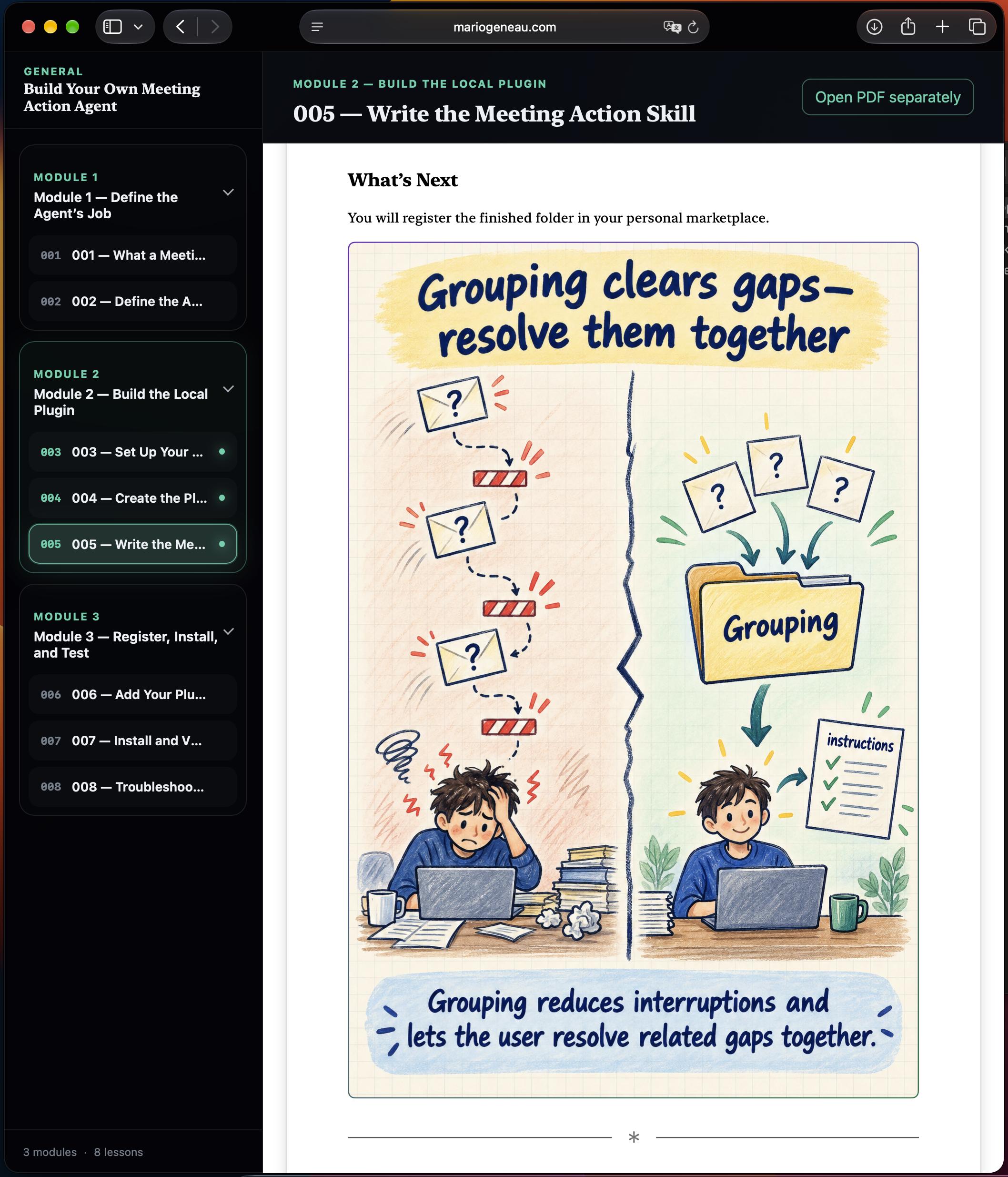
Build Your Own Meeting Action Agent
A practical path from a useful idea to a local Codex plugin, created for beginners who want to learn by building.
Inside the project
- The learning idea
- Make a technical workflow approachable: define a meeting assistant’s job, create its instructions, then install and test a local plugin.
- My contribution
- I developed a sequence of explanations, practical steps and checks that keeps the project focused and makes room for troubleshooting.
- Designed for
- Beginners with basic comfort creating folders and editing plain-text files.
- The materials
- An eight-lesson curriculum organized into three modules. The existing course website brings navigation, illustrated explanations and PDF lessons together.
Opens in a new tab · English
02 / Educational software
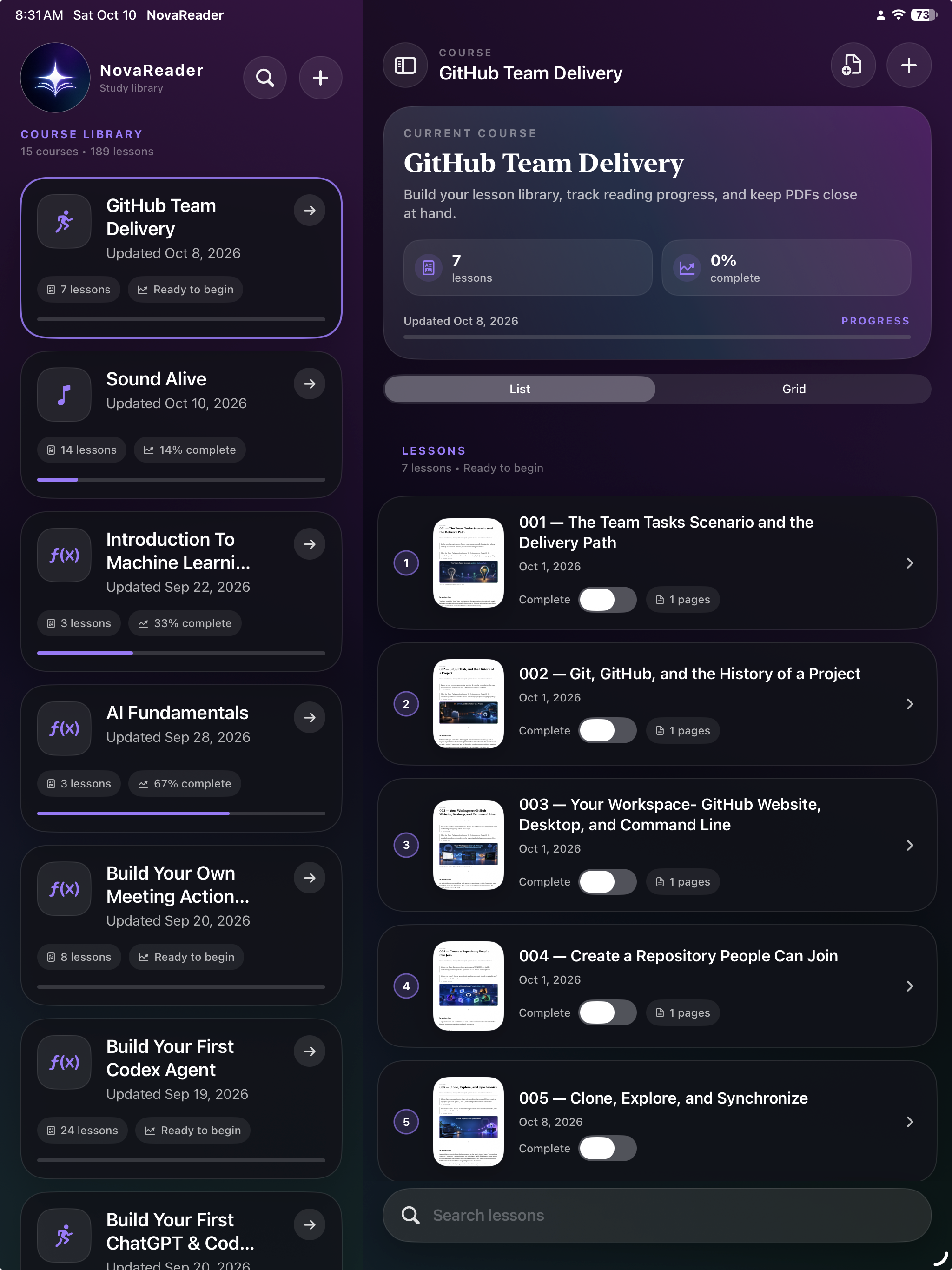
NovaReader
A focused place for the course library, organized lessons and reading progress. Technology in service of the learning experience.
Inside the project
- The learning idea
- Keep course materials and lesson navigation together so the learner can focus on the material.
- My contribution
- I bring teaching and interface design together around the organization and presentation of learning materials.
- The materials
- The walkthrough shows the course library, lesson organization and reading experience.
03 / STEAM curriculum · Developed for CODE{313}
Sound Alive
Art first. Technology as a creative material. A course in development where sound becomes light, movement and expression.
Inside the project
- The learning idea
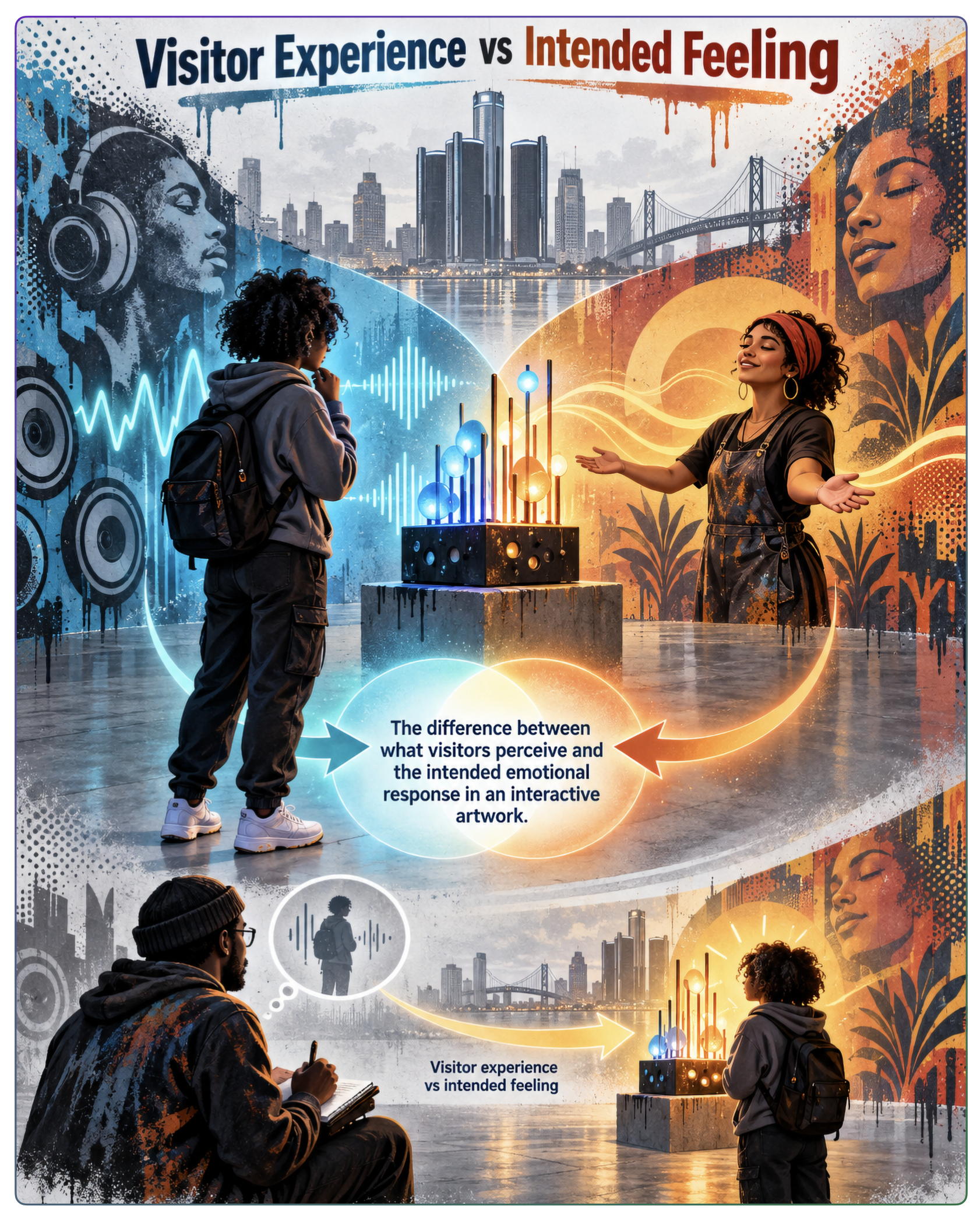
- Make creative technology approachable through sound-reactive artwork. Learners explore the relationship between what a piece does and how it feels.
- My contribution
- I develop explanations, illustrations and hands-on activities that connect artistic choices to simple coding and physical computing.
- Designed for
- Complete beginners ages 12–14, with no assumed coding, electronics or robotics experience.
- The materials
- Developed lesson materials include Make the Reaction Feel Right, which explores trigger, light, movement and rest through careful testing. The wider course is still in development.
A conversation is a good beginning
What could we make possible?
A learning experience, an educational tool or a creative workshop—tell me about the people and the idea you have in mind.
Let’s connect